Chrome's Favorite Depop Extension of 2024
Save several hours and make more sales everyday for $0.32 a day.
Free Trial
Mass Relist / Bulk Relist
Scheduled Refreshing
Randomized Refresh Speed
Configurable Refresh Speed
Set a Fixed Refresh Order
Skip Refreshing at Certain Times
Auto Refresh Listings
Relist Product
Clone Product
Auto Follow/Unfollow Users
Skip Option for Mass Follow
Mass Like Search Results
Auto Like/Unlike Products
Follow Reviewers of a Store
Global Interval Setting
Change Depop Email/Password
Monthly
Mass Relist / Bulk Relist
Scheduled Refreshing
Randomized Refresh Speed
Configurable Refresh Speed
Set a Fixed Refresh Order
Skip Refreshing at Certain Times
Auto Refresh Listings
Relist Product
Clone Product
Auto Follow/Unfollow Users
Skip Option for Mass Follow
Mass Like Search Results
Auto Like/Unlike Products
Follow Reviewers of a Store
Global Interval Setting
Change Depop Email/Password
Frequent Updates
Standard Support
Annual
Mass Relist / Bulk Relist
Scheduled Refreshing
Randomized Refresh Speed
Configurable Refresh Speed
Set a Fixed Refresh Order
Skip Refreshing at Certain Times
Auto Refresh Listings
Relist Product
Clone Product
Auto Follow/Unfollow Users
Skip Option for Mass Follow
Mass Like Search Results
Auto Like/Unlike Products
Follow Reviewers of a Store
Global Interval Setting
Change Depop Email/Password
Frequent Updates
Standard Support

Frequently Asked Questions
Explore our comprehensive FAQ to find quick answers to common inquiries. If you need further assistance, don't hesitate to contact us for personalized help.
How To Subscribe
Step 1
Open the extension and follow the prompts to log in to your Depop account.
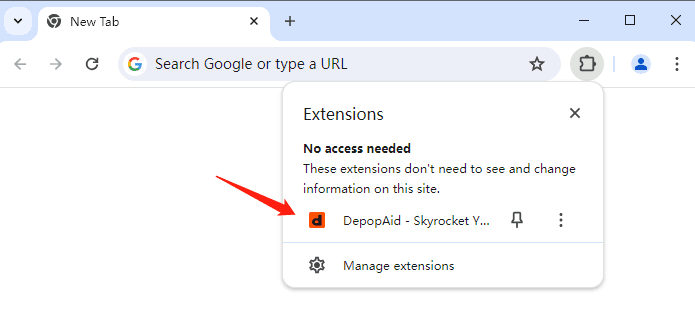
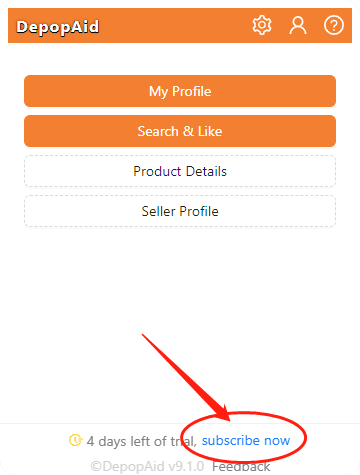

Step 3
Click the Subscribe Now button or link, you will be redirected to this pricing page again.
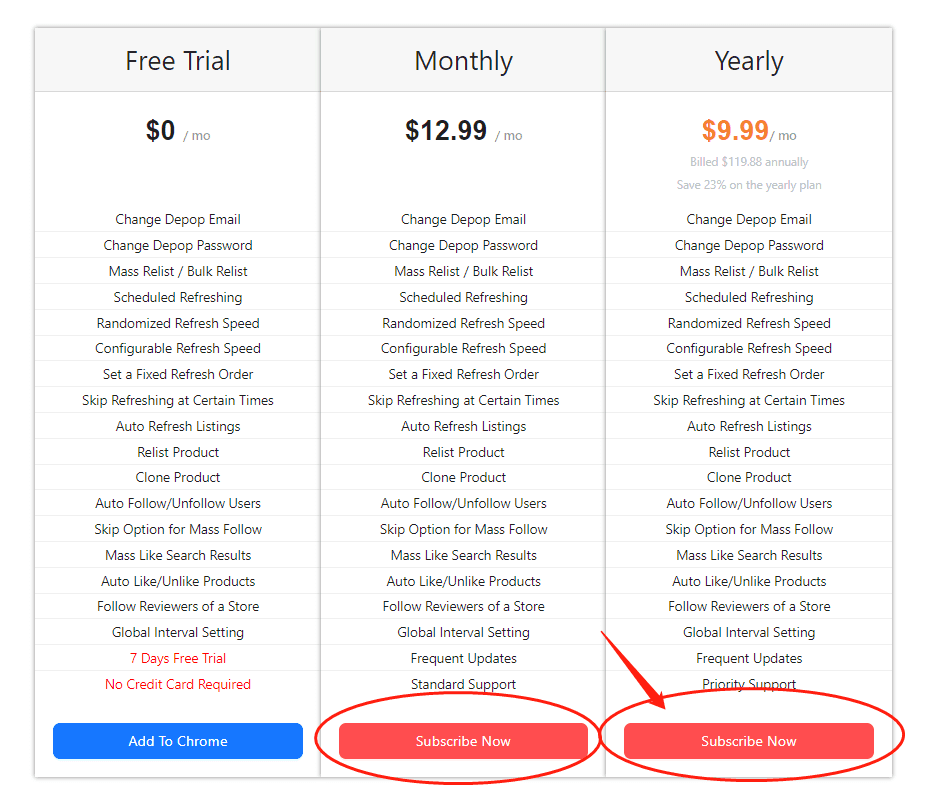
Step 4
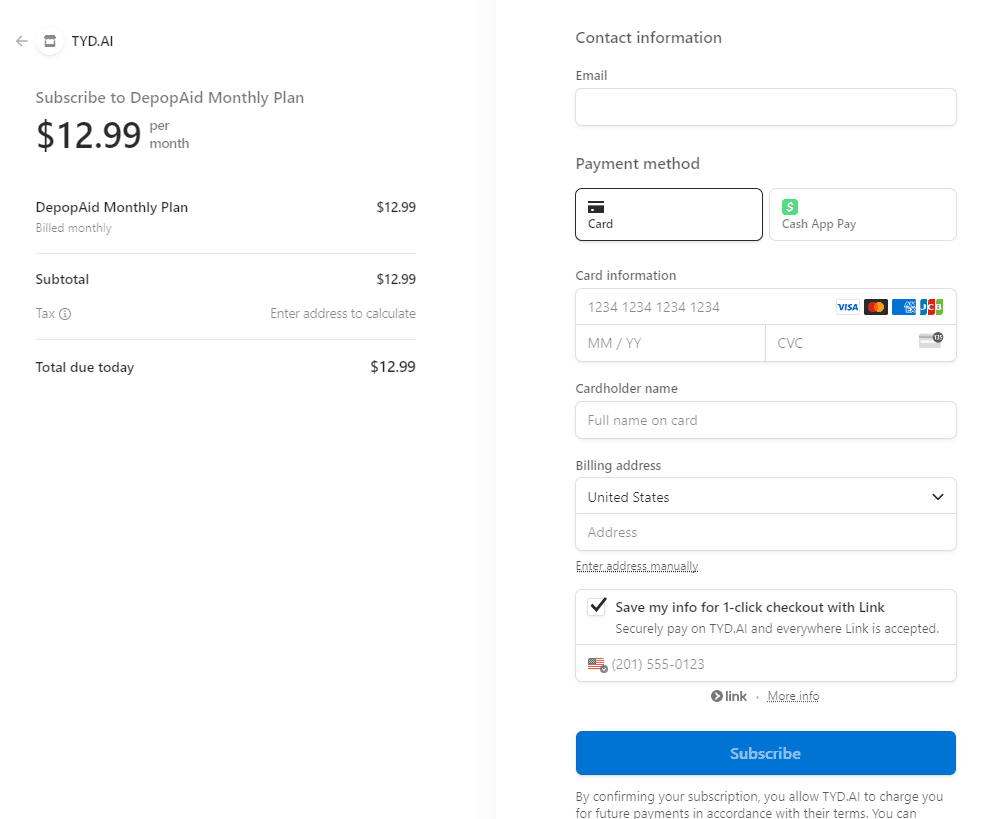
Click the Subscribe Now button, you will be redirected to the Stripe checkout page.
Step 5
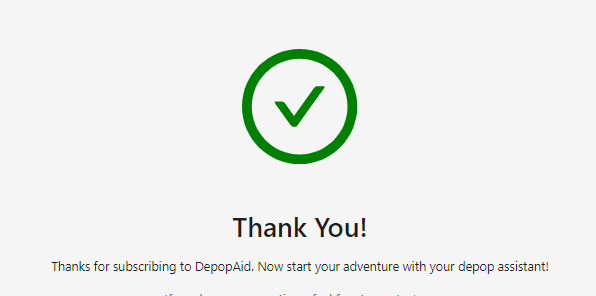
Fill in the information and click the Subscribe button, this will redirect you to the success page.
Step 6
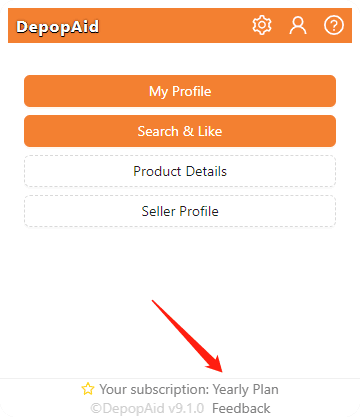
It's all set. Now you can see your plan on the Depop Chrome extension.